Widget Catalog
The Deck ships with 16 widgets. This page lists them all, grouped by the categories of the widget picker. Widgets you install yourself appear in the picker next to them. To add one, see Scenes and Widgets.
Sizes at a Glance
Each widget comes in one or more sizes. Full fills the whole screen in a fullscreen scene. Small, Medium and Large share the screen in a combined scene.
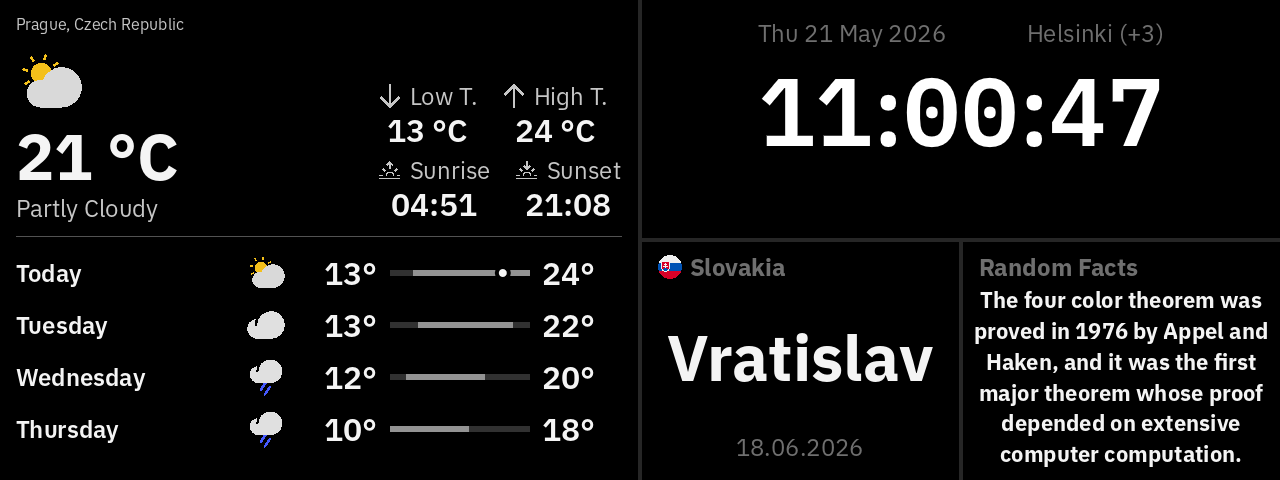
Larger sizes usually show more: the weather widget adds an hourly forecast at Medium and an 8-day forecast at Full.
Most widgets need an internet connection. The ones that read your own miners talk to them over your home network instead.
Clock
Clock
A clock with a digital face or an analog dial, plus the date, seconds and time zone if you want them. At Full size it also shows your next alarm.
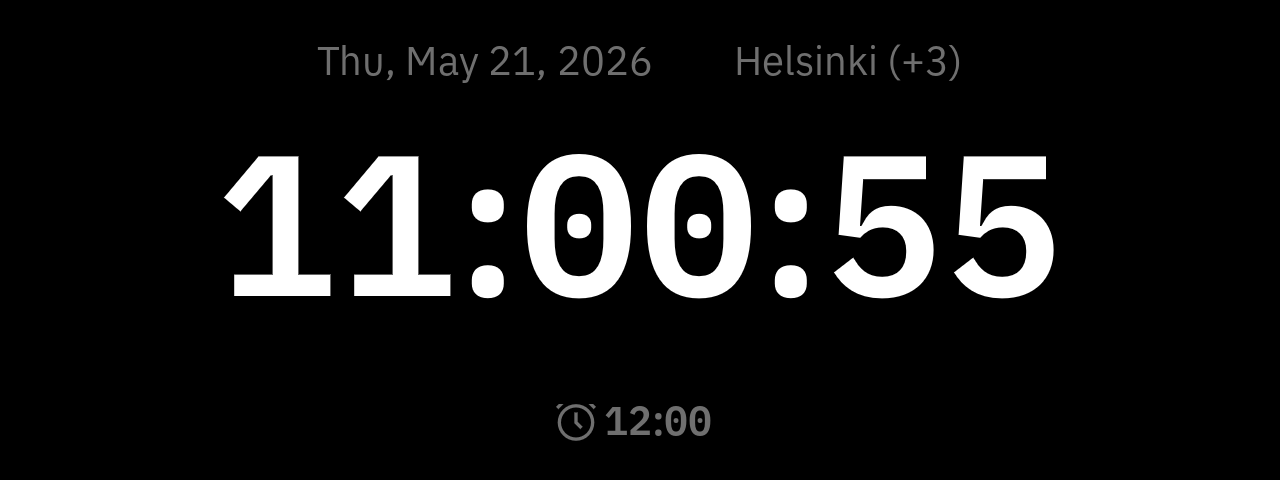
Sizes: Small, Medium, Large, Full. Needs: nothing; works offline.
Use the Timezone setting to show the time in another city, for example one clock per office.
Weather
Weather
Current weather for a city and, at larger sizes, the forecast.
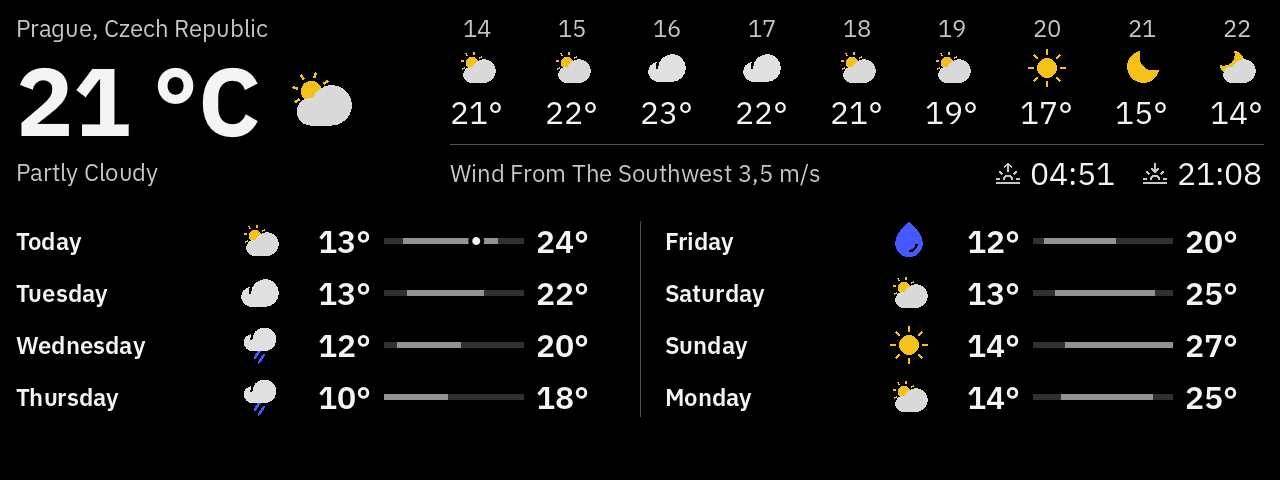
Sizes: Small (now), Medium (now and 5 hours ahead), Large (now, today's low and high, sunrise, sunset, 4 days), Full (adds wind, 9 hours, 8 days). Needs: internet.
Time zone decides whose clock the forecast hours use: the city's, or the Deck's. Temperatures and wind speed follow the units in Settings. The data refreshes about every 5 minutes. If you see "Location not found", check the spelling of the city.
Calendar
Nameday
Whose name day it is today, for a country you choose, with its flag. Name days are a tradition in much of Central and Northern Europe.
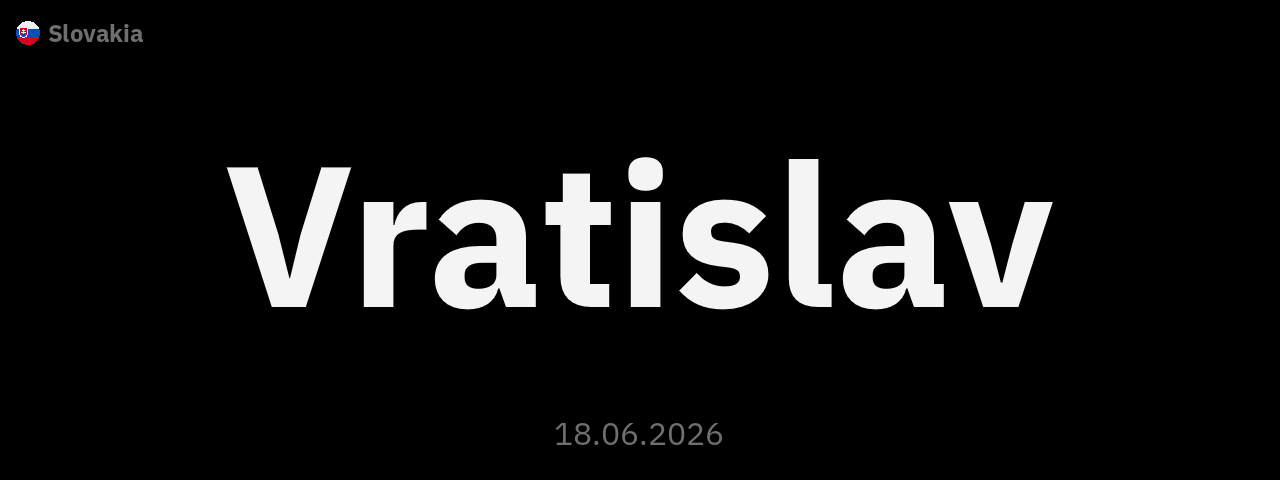
Sizes: Small, Medium, Large, Full. Needs: internet.
The names change at midnight in the Deck's time zone. "N/A" means the calendar has no name for today.
Finance
Ticker - Single
One stock, index, currency or cryptocurrency in detail: a large price over a line chart, or a candlestick chart with trading volume.
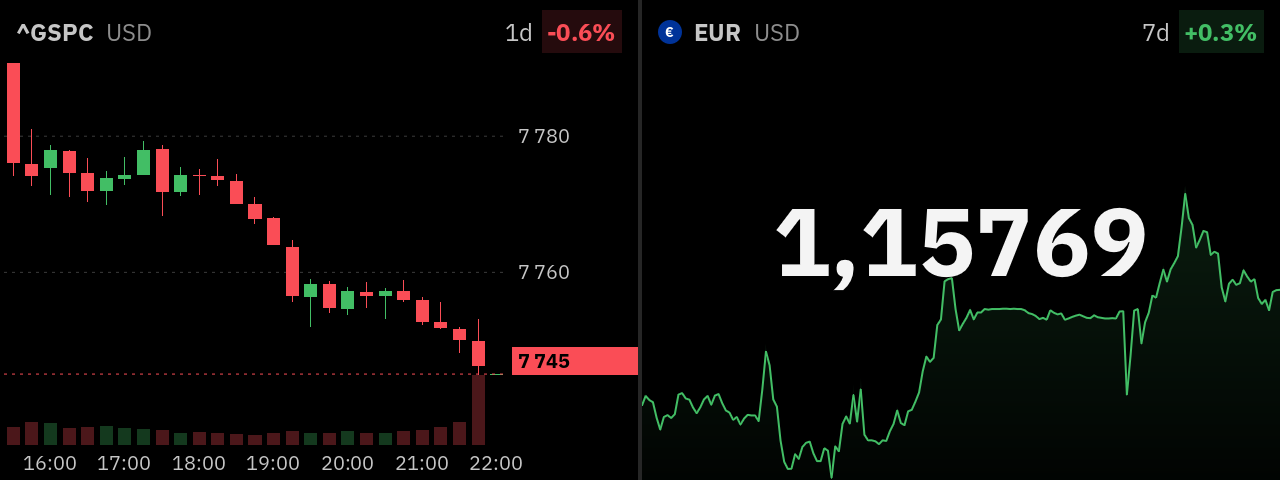
Sizes: Small, Medium, Large, Full. Needs: internet.
The price refreshes every minute. When the market is closed, a pause mark covers the icon and the chart is dimmed but keeps its green or red. Indices (symbols that start with ^) never get the pause mark or the dimmed chart.
Financial Ticker List
Up to eight stocks, indices, currencies or cryptocurrencies in one list. Each row shows the name, a small chart, the price and the change over the period you pick.
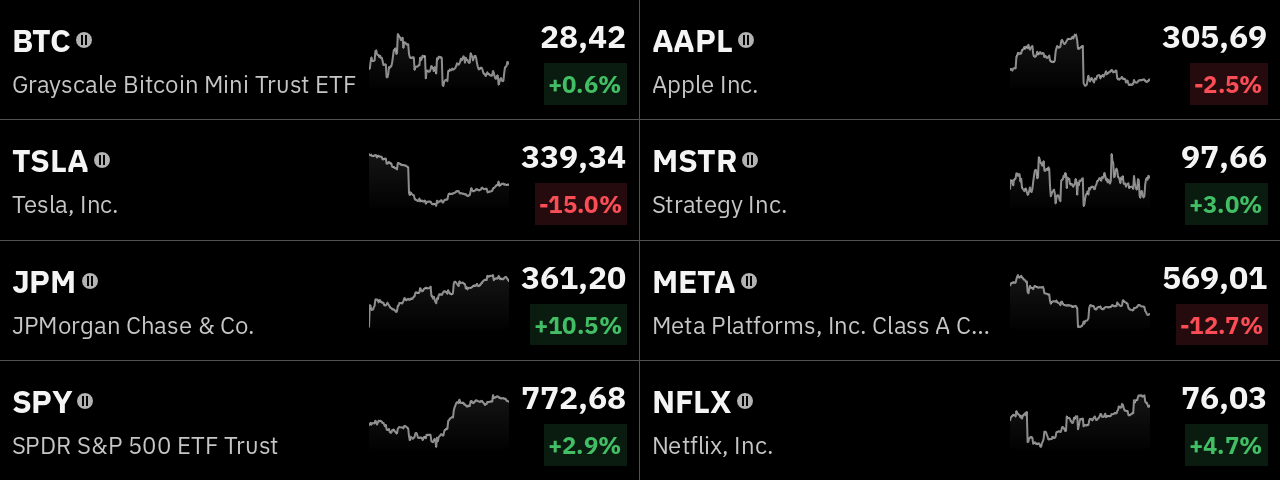
Sizes: Full (8 rows in 2 columns), Large (4 rows), Medium (2 rows), Small (2 rows, no charts). Needs: internet.
Leave a field empty to skip it; the rows below move up. Rows show on the Deck in the order of the fields.
Each row refreshes every 5 minutes, on its own: one wrong symbol only affects its own row, which then says "Not found". A pause mark and a gray chart mean the market is closed. Indices never get them.
Symbol formats
Both ticker widgets accept the same symbols.
Coverage differs between instruments. If the symbol is not recognized, the Financial Ticker says "Symbol … not found" and the List says "Not found": check it against the formats above. If the symbol is fine but has no prices for the chosen period, the Financial Ticker says "No data for this period" and the List says "No data"; try a longer period.
Space
ISS Position
Where the International Space Station is. At Full size it draws a 3D globe with the station, its path, and the line between day and night, and follows the station live. Smaller sizes show its position, altitude, speed and whether it is in sunlight. These figures refresh every 30 minutes and stay the same in between.
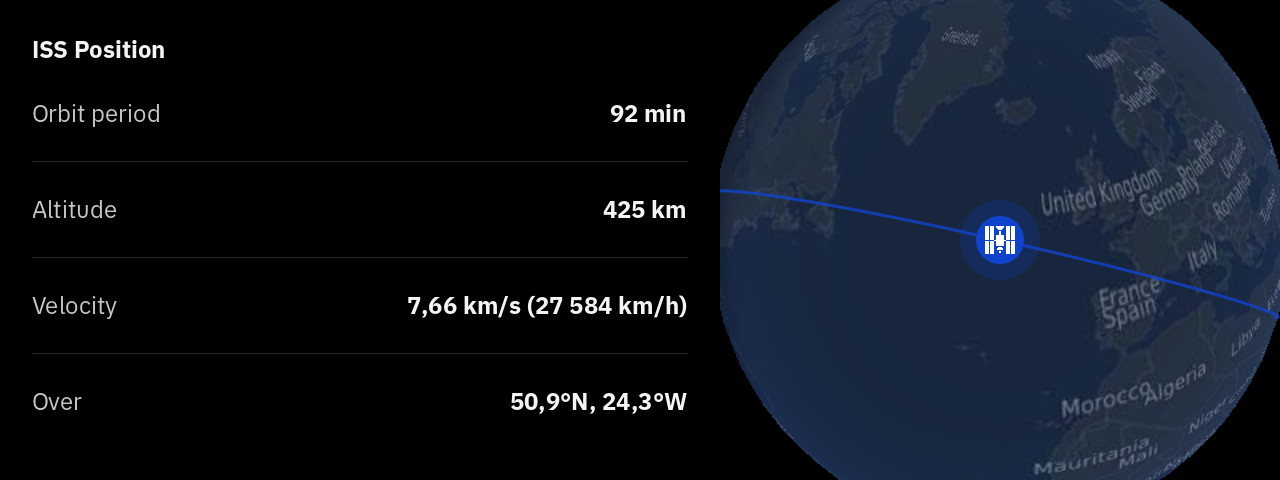
Sizes: Small, Medium, Large, Full (globe). Needs: internet. Settings: none.
SpaceX Launch
A countdown to the next SpaceX launch, with the rocket, launch site, payload and landing plan. At Full size it adds a drawing of the rocket.
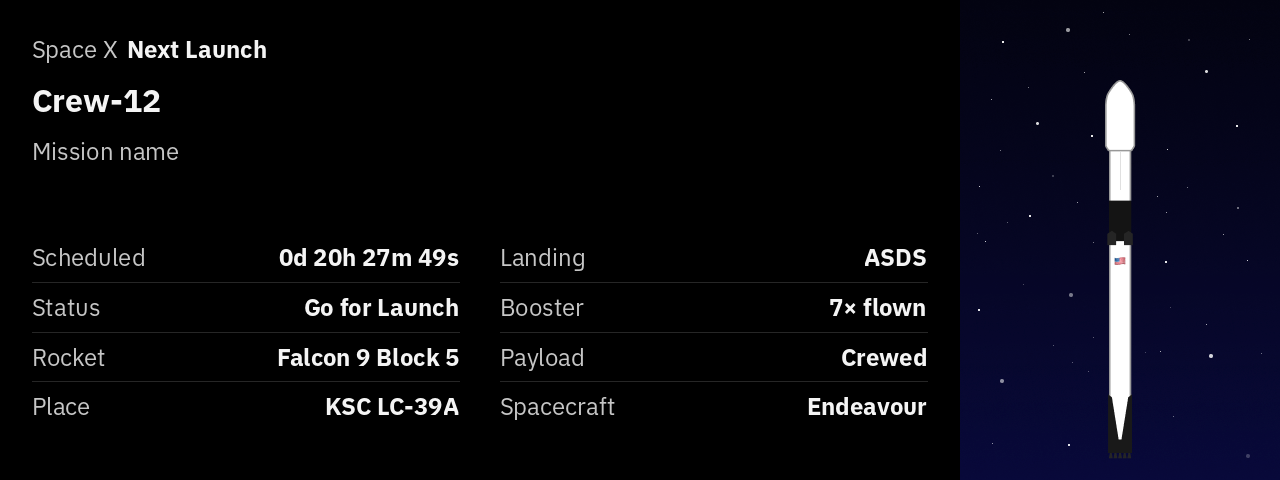
Sizes: Small, Medium, Large, Full. Needs: internet. Settings: none.
Media
Image
Shows any picture from a web address: a family photo, a logo, a menu, a chart your own server draws.
Sizes: Small, Medium, Large, Full. Needs: a web address the Deck can reach, on the internet or your home network.
For the sharpest result, make the image exactly the pixel size of the widget (see Sizes at a Glance). PNG and JPEG work best; WebP, GIF, BMP and TIFF work too, but animated images show only their first frame. Images other than JPEG must be smaller than about 4 megapixels, so a full-size PNG from a phone camera does not show; make it smaller or save it as JPEG.
To reload the image now, tap it and choose Reload. Pick the longest refresh interval that suits you: a photo that never changes does not need reloading every 5 minutes.
Under the hood: image sizes and formats
The address can contain {{width}} and {{height}}. The Deck replaces them with the widget's size in pixels, so a server that resizes images on request sends exactly the right size.
The Deck detects the format from the file's content, not its name. Besides PNG and JPEG it reads WebP, GIF, BMP, TIFF, QOI, PNM, HDR and farbfeld. AVIF, OpenEXR and TGA are not supported. The image is cached on the Deck, so it stays on screen while a refresh is under way or fails.
Picture of the Day
NASA's Astronomy Picture of the Day, with its title and the photographer's credit. A new picture appears once a day.
Sizes: Small, Medium, Large, Full. Needs: internet.
Tap the picture and choose Reload to load it again. The photographer's credit always shows; only the title can be hidden.
Knowledge
Random Facts
A new short fact every 15 minutes, in large type.
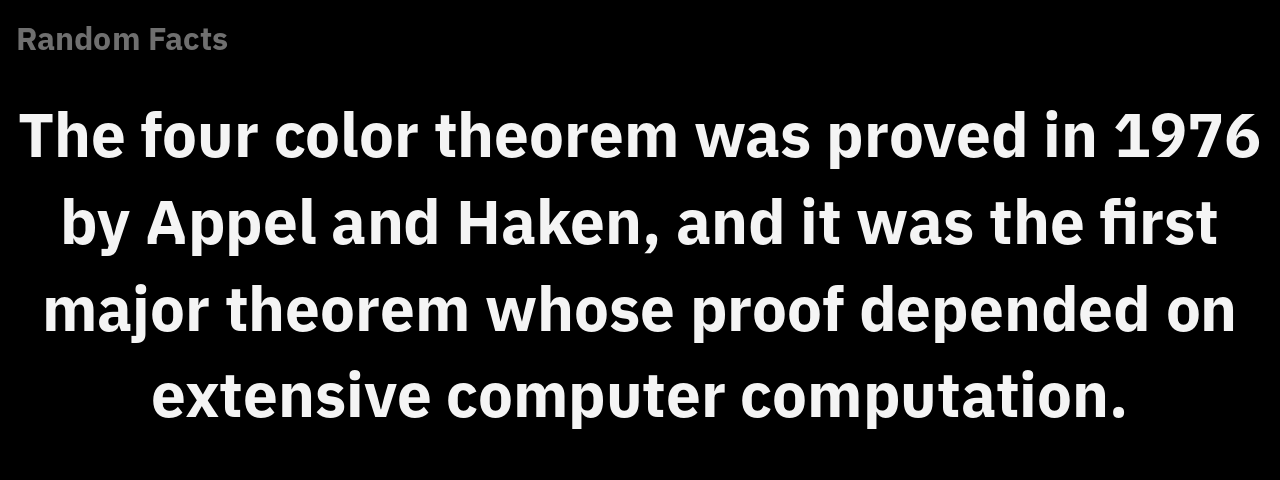
Sizes: Small, Medium, Large, Full. Needs: internet. Settings: none.
Sports
Formula 1
Follows the Formula 1 season: live timing during a session, the next race weekend with its schedule and circuit, the drivers' championship, or one driver's career.
Sizes: Small, Medium, Large, Full. Needs: internet.
Leave it on Automatic and the widget picks for you: live timing while a session runs, otherwise the next race, otherwise the standings. During a session the timing updates every 3 seconds.
Mining
These widgets show Bitcoin network data, or data from your own Bitcoin miners (machines that mine Bitcoin). You do not need to own bitcoin or a miner to use the network widgets.
Block Height
The number of the latest block in the Bitcoin blockchain, Bitcoin's shared record of transactions. It grows by one block roughly every 10 minutes. The widget can also show when the latest block was found.
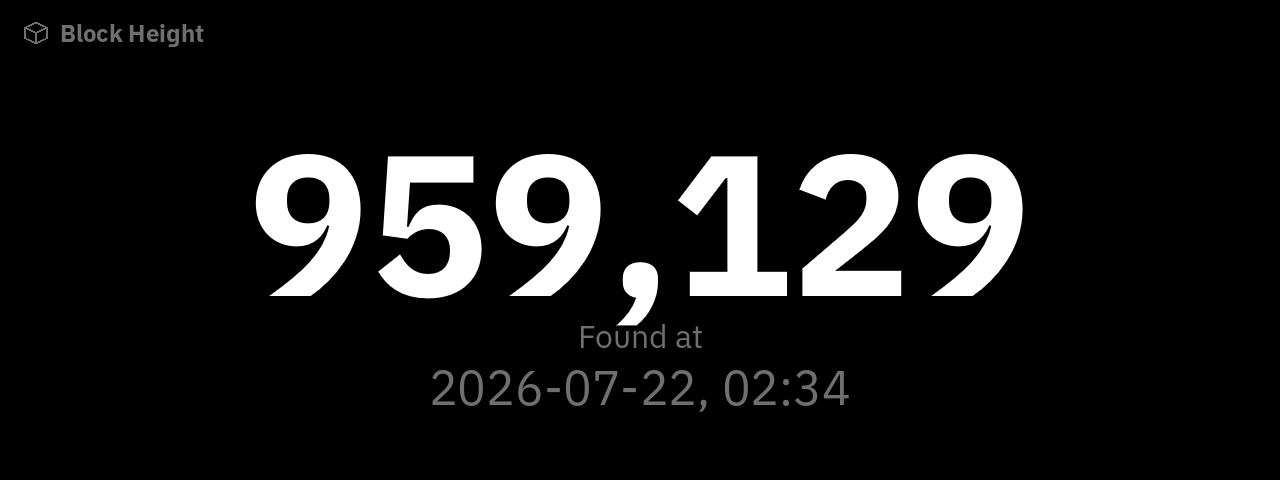
Sizes: Small, Medium, Large, Full. Needs: internet.
Halving Countdown
Days, hours and minutes until the next Bitcoin halving, the event every four years or so when the reward for new blocks is cut in half. Large and Full sizes add the expected date and the number of blocks to go.
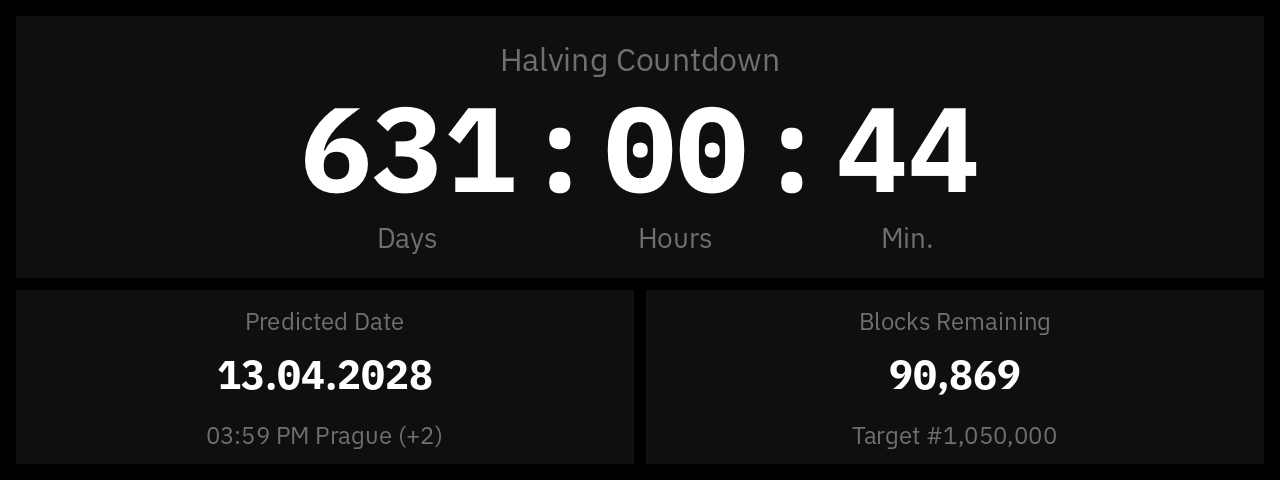
Sizes: Small, Medium, Large, Full. Needs: internet.
Bitcoin Mining Data
The state of the Bitcoin mining network: difficulty (how hard it is to find a block), when it next adjusts, and hashprice (what a unit of mining power earns per day, in US dollars). Larger sizes add the bitcoin price, charts of difficulty, price and network hashrate (the combined mining power of all miners), fees and block times.
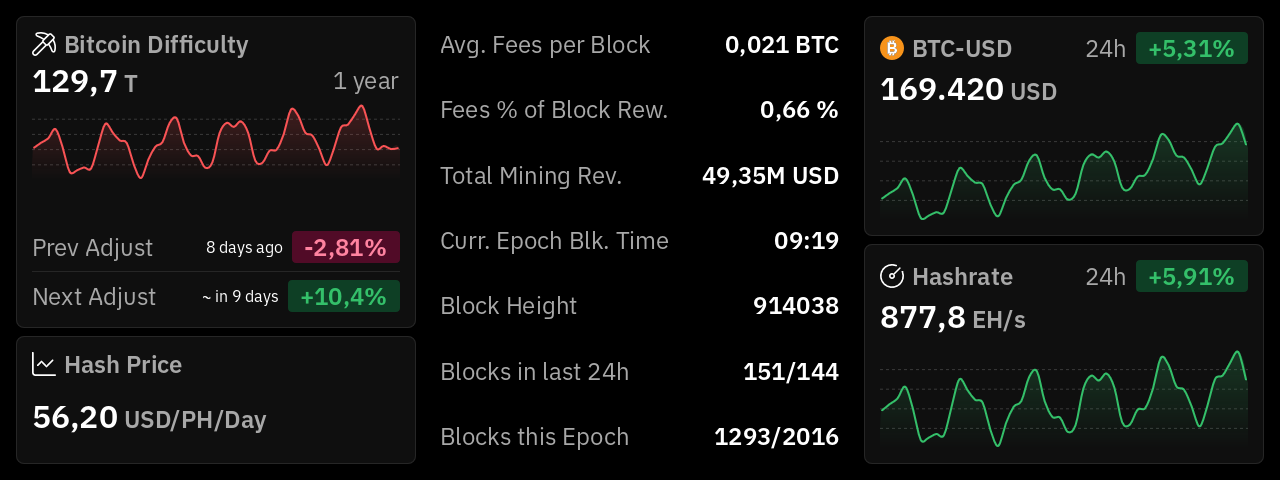
Sizes: Small, Medium, Large, Full. Needs: internet. Settings: none.
Braiins Pool
Your account at Braiins Pool, a pool where miners combine their work and share the reward, at a glance: hashrate (your mining speed), today's reward, workers (miners) online, and the next payout. Big Chart shows your hashrate history, with payouts marked at Full size.
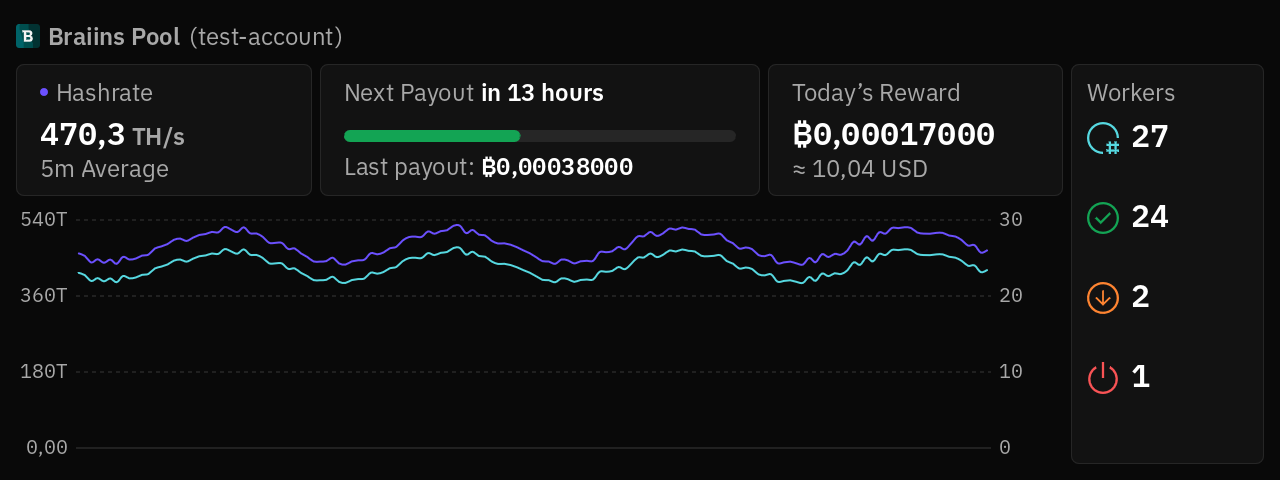
Sizes: Small, Medium, Large, Full. Needs: internet and an API token with Read-only access from Braiins Pool, saved on the Deck as a connected account.
If the widget says "Access denied", the token cannot read your pool data. Create a new token with Read-only access as described in Connected Accounts.
Fleet Management
All the miners on your home network in one view: total hashrate, power, efficiency, temperatures and how many miners are healthy. Switch from the overview to the list of miner models, tap a model to see its machines, then tap a machine for its details.
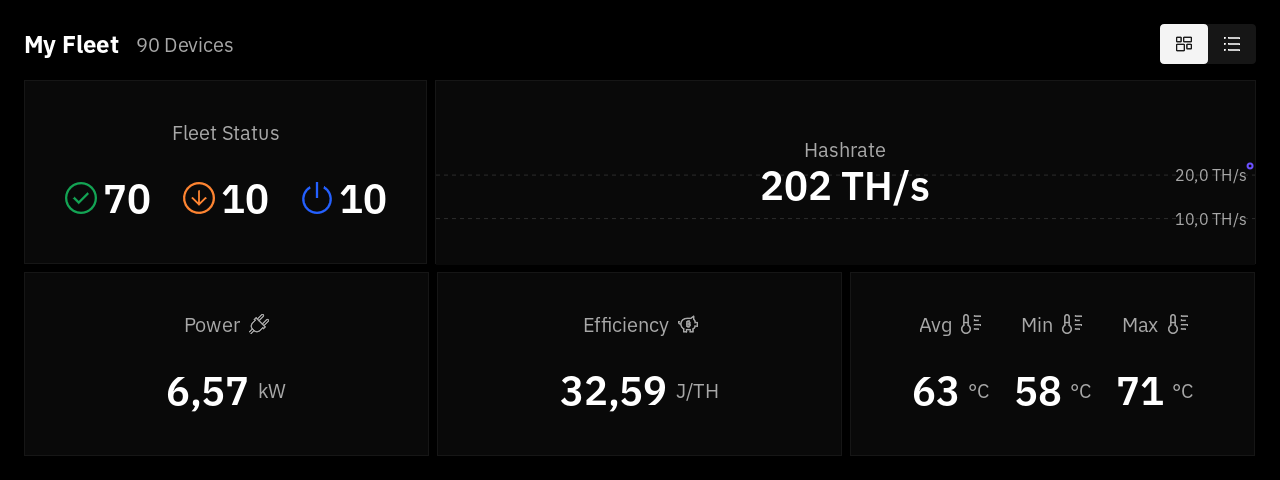
Sizes: Full only. Needs: miners on the same network as the Deck. The widget talks to them directly, over your home network.
The widget finds miners on its own. It supports:
- Braiins OS 26.09 or newer. Needs a BOS miners account with the miner's login. On miners other than Braiins Mini Miners, turn on Advertise over mDNS in Braiins OS.
- Forge Firmware. Needs a Forge Firmware miners account.
- AxeOS 2.15.0 or newer (Bitaxe, NerdQAxe++). Needs no account.
A miner counts as healthy while it runs at 20% or more of its rated hashrate. The widget keeps collecting data while another scene is on screen, so the charts have no gaps.
Miners receive their password unencrypted, over plain HTTP. In the account, list your home network range (for example 192.168.1.0/24) under the allowed destinations, so the Deck never sends the password anywhere else. A Braiins OS password that contains " or \ does not work.