Hashing & Connectivity Status
Overview
Each worker in Braiins Manager has two distinct attributes to help users understand performance and connectivity:
- Hashing Status – Indicates miner performance and efficiency
- Connectivity Status – Indicates whether the miner can be reached and remotely controlled
Hashing Status
Hashing status shows how well the miner is performing based on its real-time hashrate and energy efficiency.
Connectivity Status
Connectivity status shows whether Braiins Manager can communicate with the miner.
Connectivity Errors and Troubleshooting
If a miner shows a specific connectivity error instead of "Online", use the table below to diagnose and fix the issue.
Notes
- If Connectivity Status is
Agent Offlineor anyERROR, then Hashing Status will show asUnknown. Removedstatus is deprecated — removed miners are no longer visible in the UI.
Where to Find the Statuses
Workers List
You can view the Hashing Status and (optionally) the Connectivity Status in the Workers List table:
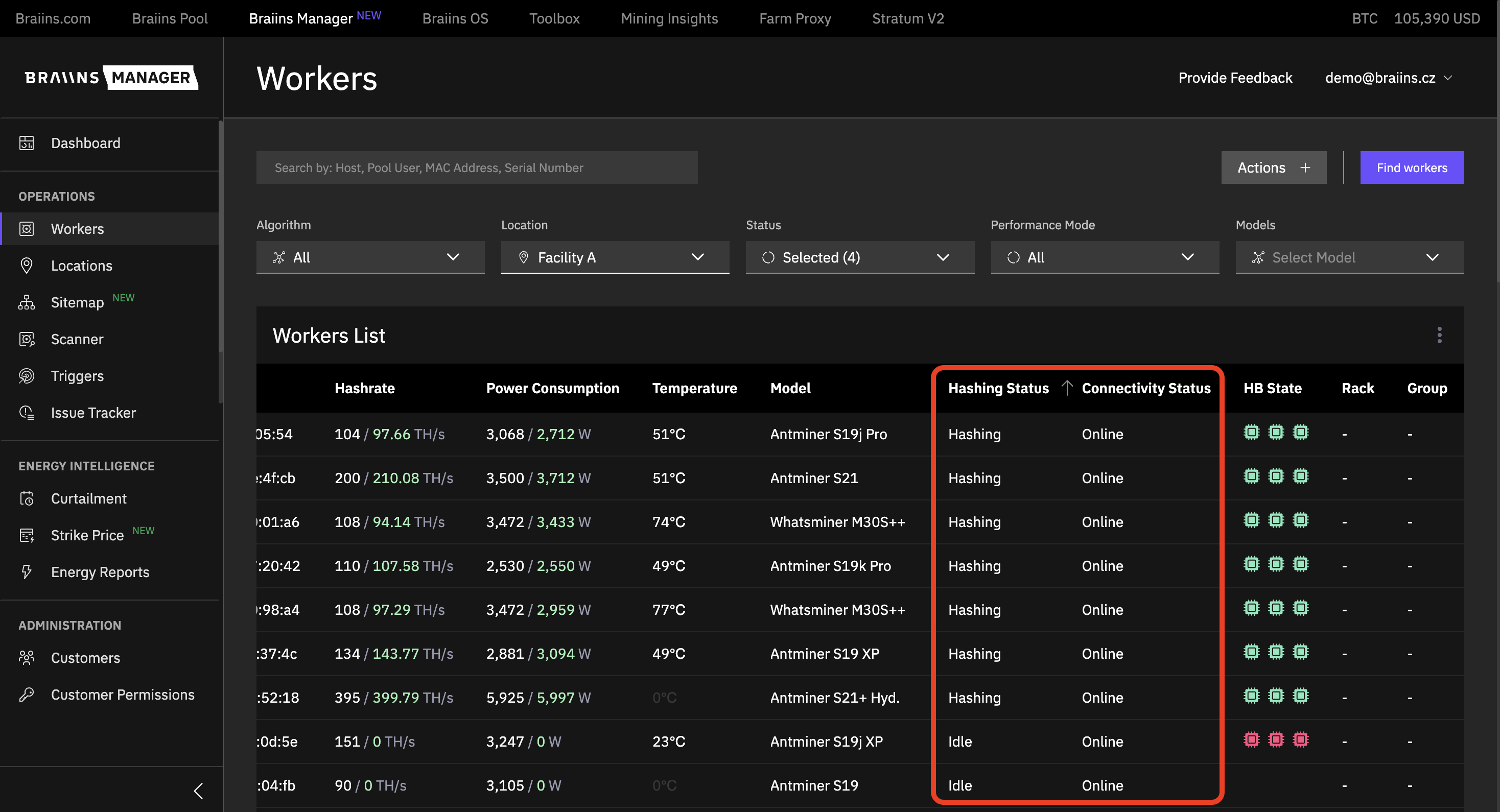
- Hashing Status is shown by default.
- Connectivity Status can be enabled via table settings.
Worker Detail Page
You can also find the statuses on the individual worker detail page under the "About Worker" section:
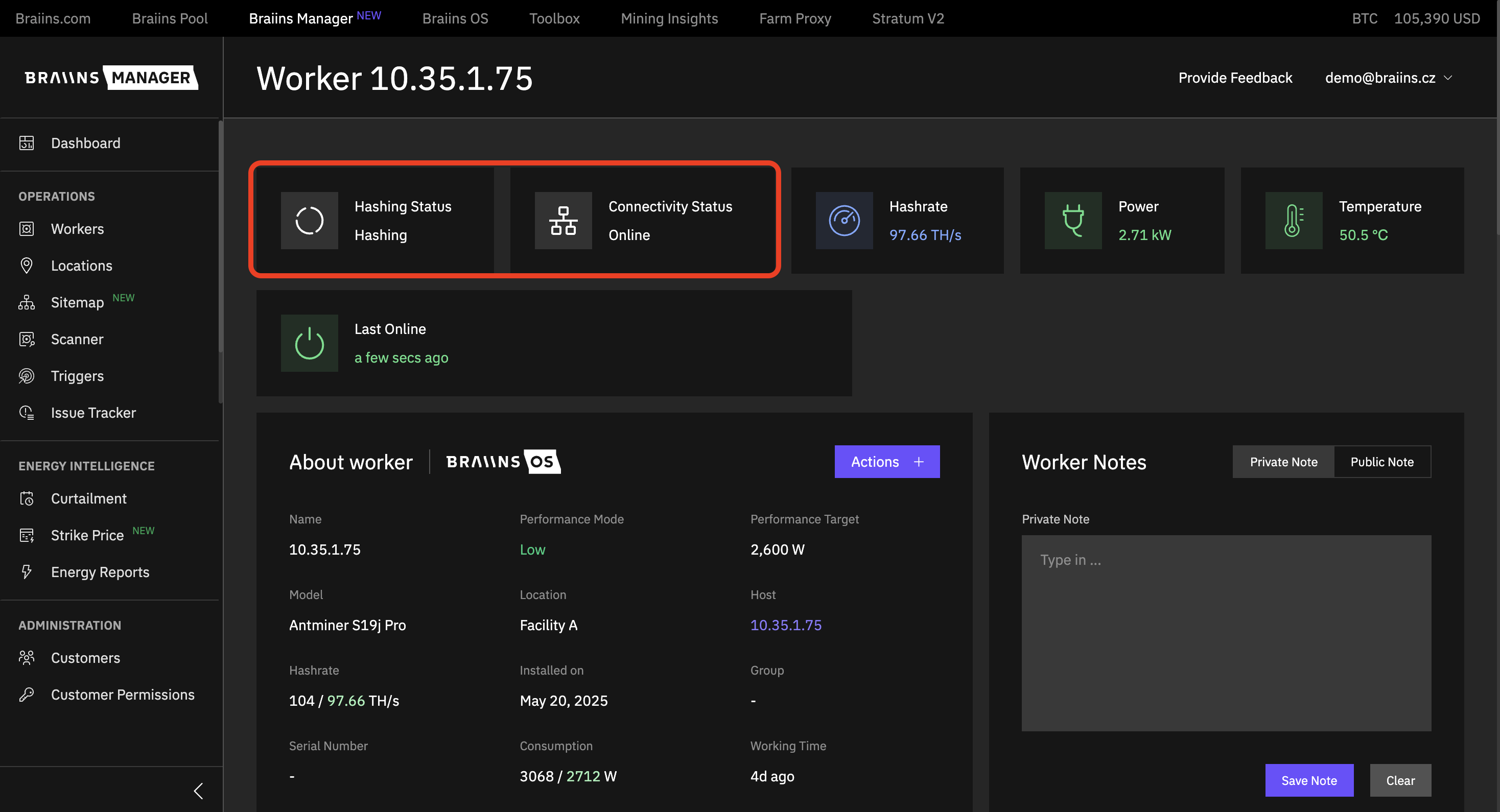
- Hashing Status and Connectivity Status are displayed side by side for clarity.
Was this helpful?