About Braiins Deck
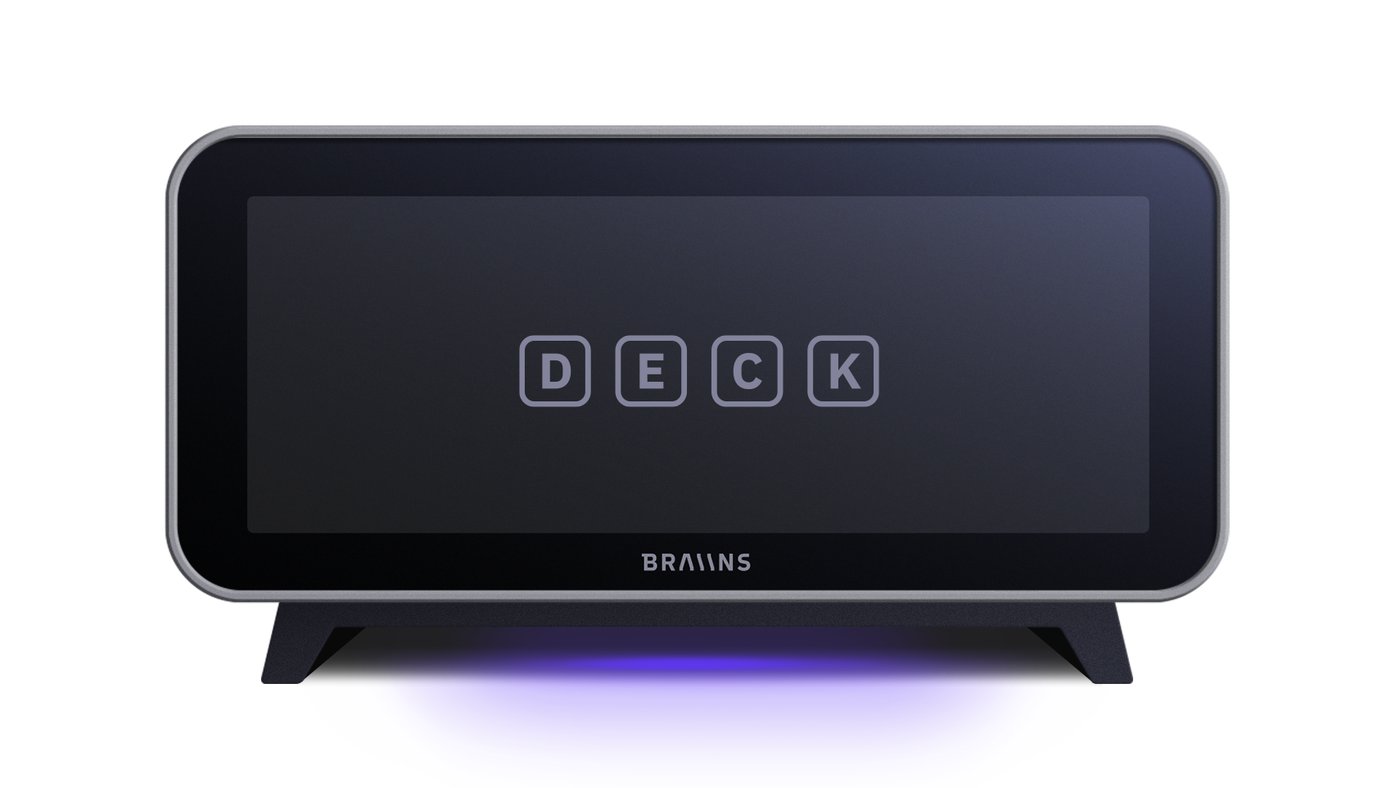
Braiins Deck is a desk display with a wide touchscreen. It shows the things you check every day: the time, the weather, a stock or currency price, the next rocket launch, your own photos. It sits on a desk, a shelf or a nightstand and stays on, so the information is there when you glance at it.
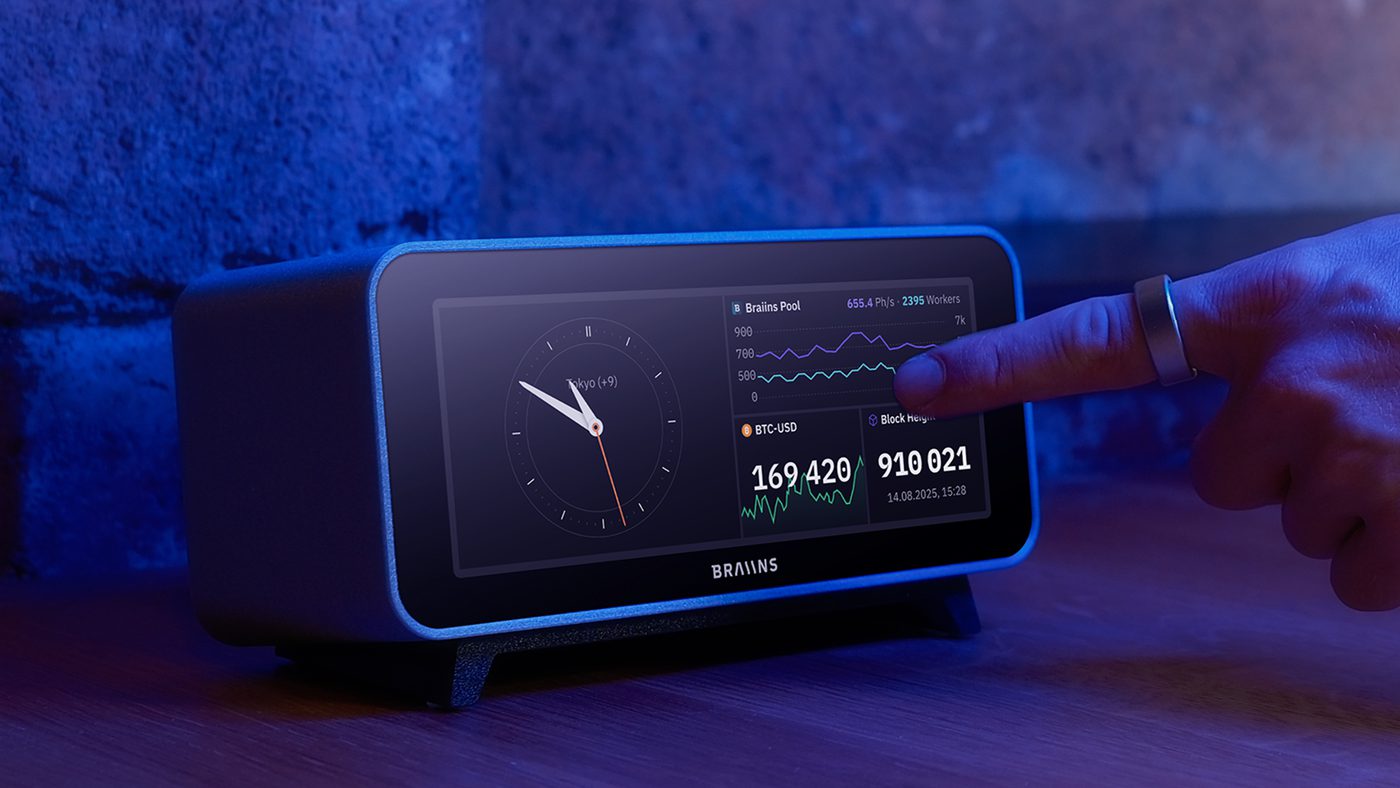
You set it up from your phone in a few minutes. There is no app to install and nothing to sign up for.
What It Shows
Everything on the Deck comes from widgets. A widget is a small program that shows one kind of information, such as a clock or a weather forecast. The Deck ships with 16 of them:
- Everyday: clock, weather, name days, random facts, your own image
- Markets: a single price chart or a list of up to eight stocks, indices, currencies or cryptocurrencies
- Sport and space: Formula 1, SpaceX launches, the International Space Station, NASA's Picture of the Day
- Bitcoin and mining: the latest Bitcoin block, the halving countdown, mining network statistics, your Braiins Pool account, and the miners on your home network
See the Widget Catalog for the full list, and Ideas for Your Deck for setups that suit a kitchen, an office reception or a trading desk.
How It Works
You arrange widgets into scenes. A scene is one screen's worth of content: either one widget that fills the display, or up to eight smaller widgets in a grid. The Deck shows one scene at a time and moves to the next one every 30 seconds, or when you swipe.
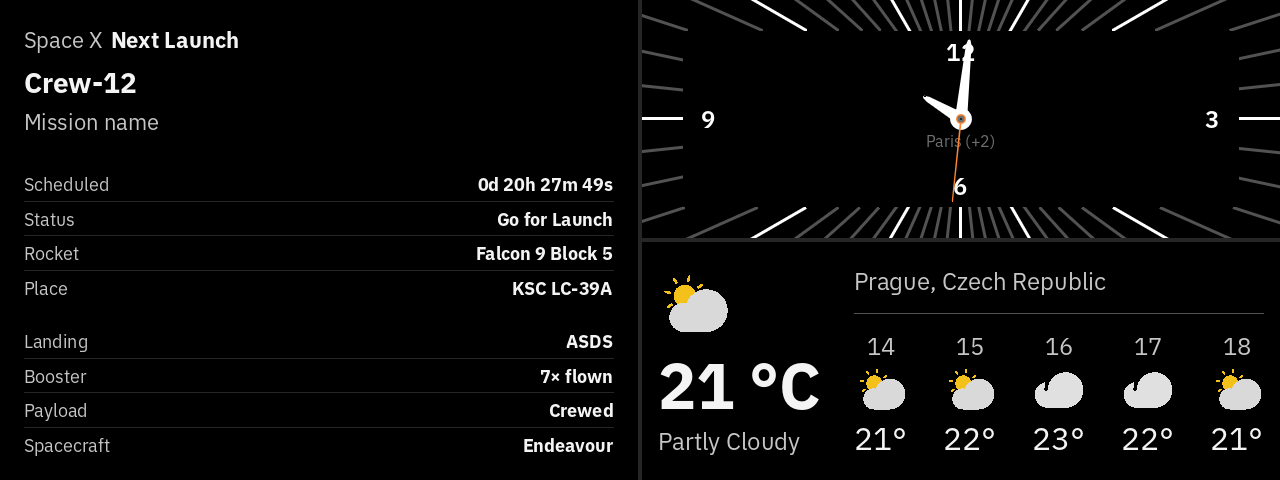
You build scenes in the web interface, a set of settings pages the Deck serves to any browser on your network. Changes appear on the Deck as you make them.
On the Deck itself you can:
- swipe left or right to move between scenes
- swipe down from the top edge to open the settings tray for brightness, volume, night mode and Wi-Fi
- tap a ringing alarm to stop or snooze it
- tap through Fleet Management, from your whole fleet down to a single miner
- tap a picture in Image or Picture of the Day to reload it
A widget is a small program, so it can have its own buttons and sliders and act on what you tap. The widgets that ship with the Deck show information; none of them controls another device. A developer can write one that does: the developer examples include a remote for media players on your network. See For Developers.
Out of the box, the Deck shows a digital clock, a Bitcoin price chart and a scene that combines an analog clock, the latest Bitcoin block and the price. Keep them, change them or delete them.
The Hardware
Updates and Privacy
The Deck updates itself. With software 26.09 or newer, it checks for new software every two hours and installs it without asking. New widgets and fixes arrive on their own; see System Settings.
New Decks leave the factory with older software, which checks for updates only once a week. Update a new Deck by hand right after setup, as the Quick Start shows.
Widgets that need outside data, such as weather or prices, fetch it over the internet. Tokens and passwords you save for a widget are stored on the Deck, and the widget's code never reads them. The Deck sends them only to the service or miner the widget connects to. For widgets you install yourself, limit where that can be with Allowed destinations; see Connected Accounts.
Where to Go Next
- To set up a new Deck, follow the Quick Start.
- To choose what the Deck shows, read Scenes and Widgets.
- To write your own widget, see For Developers.