Network Scan
GUI
The network scanning functionality allows user to initiate a scan to discover on your network:
Braiins
- Braiins Mini Miner family
Antminers
- S21 family
- S19 family
- S17 family
Whatsminers
- M5x family
- M3x family
- M2x family
Avalons (Beta Support)
- A15xy family
- A14xy family
- A13xy family
- A12xy family
- A11xy family
- A10xy family
Icerivers
- KAS family
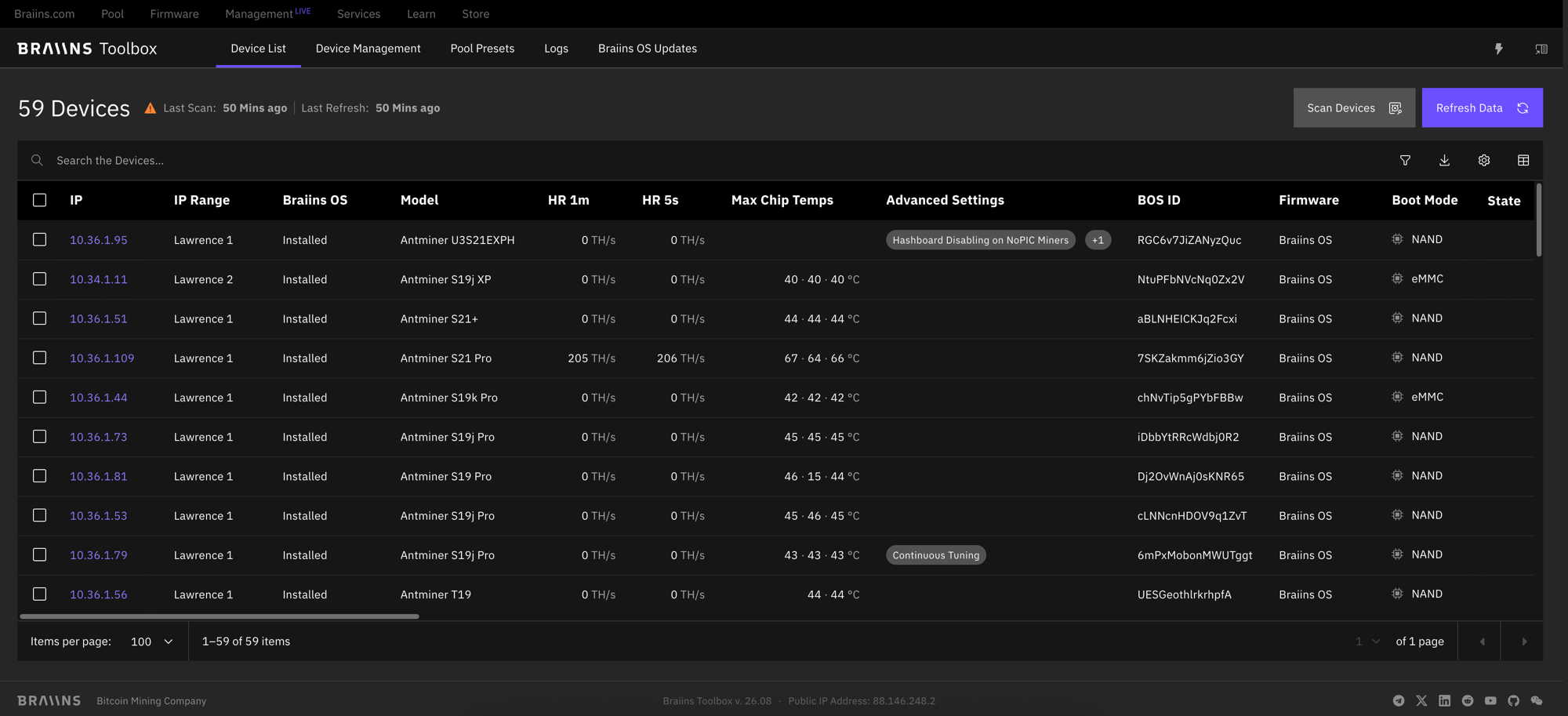
The output of the scan procedure is a comprehensive list of the discovered devices, which is presented in the Device List tab.
Scan and Refresh
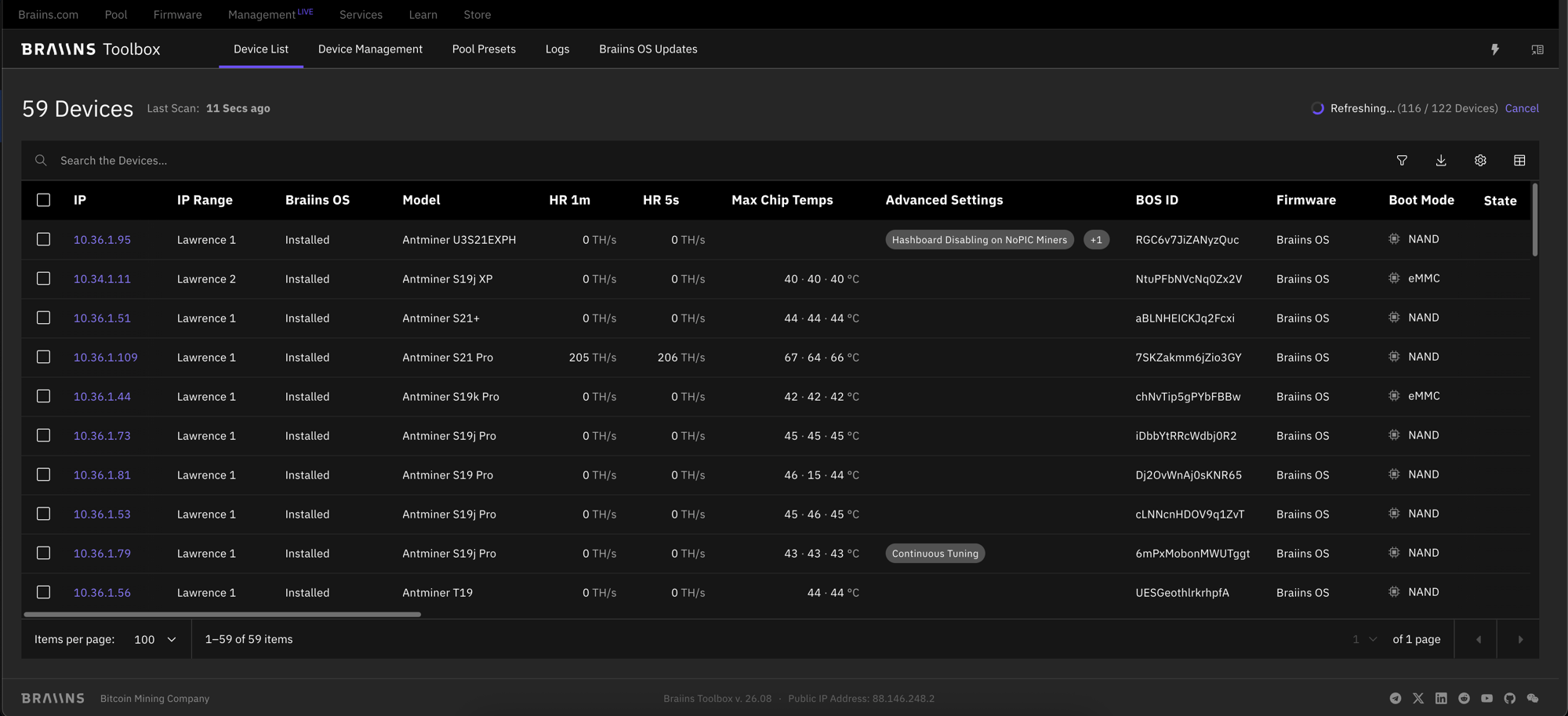
Scan discovers devices on the network range(s) you define and builds the device list from what it finds. Run a new scan whenever the network itself has changed, for example after adding miners, since Refresh alone won't pick those up.
Refresh re-fetches data for the devices already in the current device list, without scanning the network for new ones. Use it to bring the list up to date without waiting for a full rescan.
The device list itself is a snapshot: once a scan or refresh finishes, its data stays exactly as it is until you run the next one. Only one scan or refresh can run at a time, and a new one can only be started once the previous one has finished or been cancelled; both scan and refresh can be cancelled while in progress.
Because the list is no longer continuously live-updating in the background, every column can now be sorted, and your sort order persists across scans and refreshes.
CLI
The equivalent to the scanning functionality in CLI is a scan command. The progress of the discovery procedure is displayed in the terminal. The format for this command is:
where:
- the fact that
scancommand is used tells the Toolbox that it should scan the network defined by IP range(s) [OPTIONS]is a (possibly empty) list of options to be used during discovery scanning[IP_LIST]is a list of IP addresses or ranges separated by space(s) with each member having the form of<O1>.<O2>.<O3>.<O4>, where each<Oi>is either an integer number between0and255,rangeof two integers between 0 and 255 (i.e., I1-I2 with I1 ≤ I2) or symbol*representing the whole range- or instead of
[IP_LIST]it is possible to apply IP addresses as an input from a text file with--ip-file
Options
Available options are the global ones, see here, or the scan specific:
--ip-file, which defines a path to a file containing a list of IP addresses or ranges, one per line--include-public-ipsis a switch that removes the default restriction of scanning only private and link-local IP addresses--all-devicesis a switch that includes unrecognized and password-protected devices in the output--installable-only,which displays devices where it is possible to install Braiins OS (i.e., supported devices with stock manufacturer firmware)--format, which defines the format of the output (output is called "device list")table: default format, detailed device listplain: lightweight device list in form of a list of discovered IP addressescsv: full device list in the csv format
--output, where the user defines the path to the file for saving the device list--print-results: prints a per-device result table after the batch operation--result-format: sets the output format for per-device results (tableorcsv, defaulttable); requires--print-results--result-file: writes the per-device results to a file instead of stderr; requires--print-results
Help
The help option gives the user a quick overview of the command capabilities: